Viewers
Supported viewers in Creliohealth PACS.
PACS Viewers
This page provides comprehensive details about all supported viewers in the CrelioHealth PACS, including web-based viewers, native desktop applications, and their key features.
Supported Viewers
The PACS module supports multiple viewers to ensure optimal viewing experience across different platforms and use cases:
OHIF 2D Web-Viewer
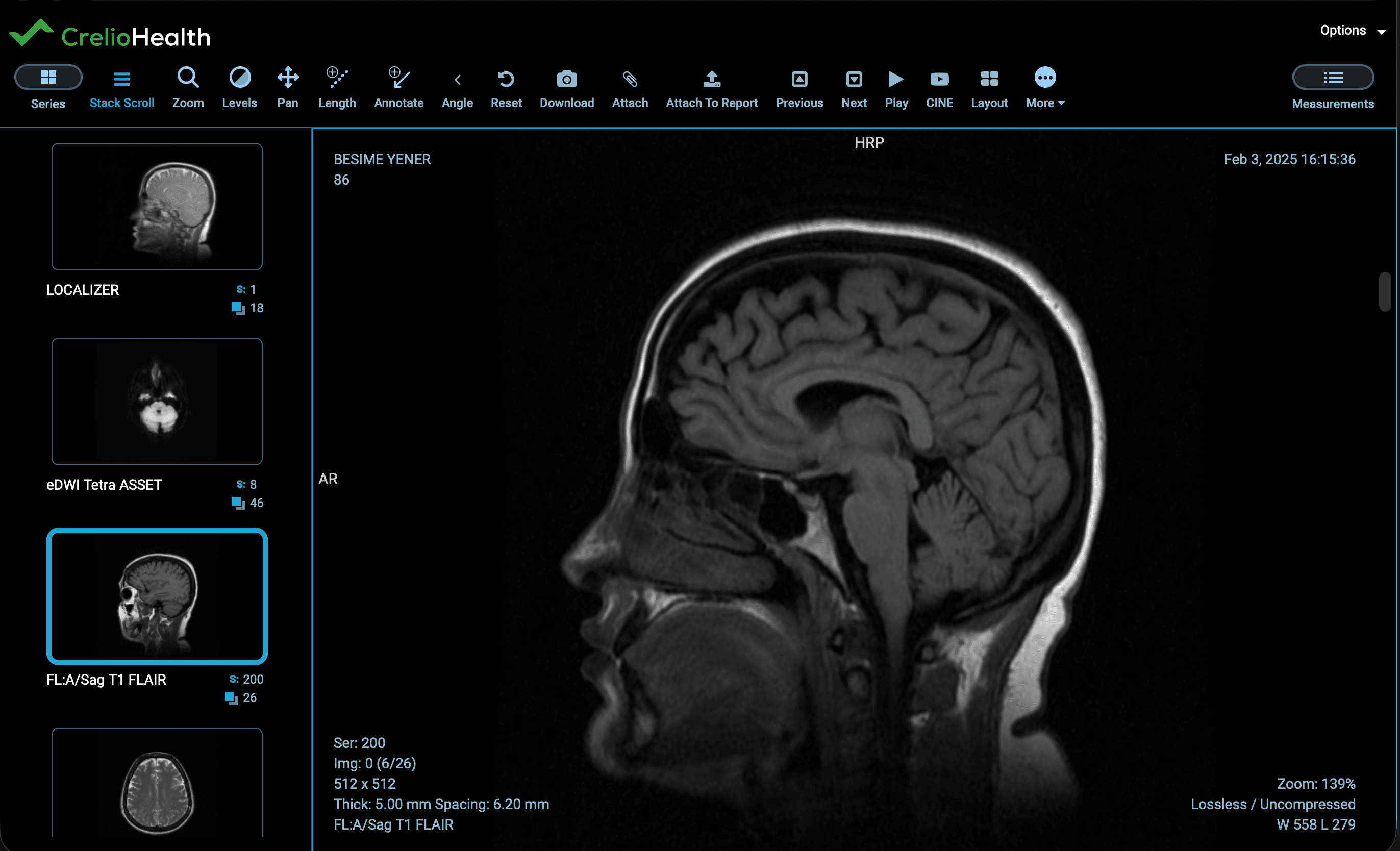
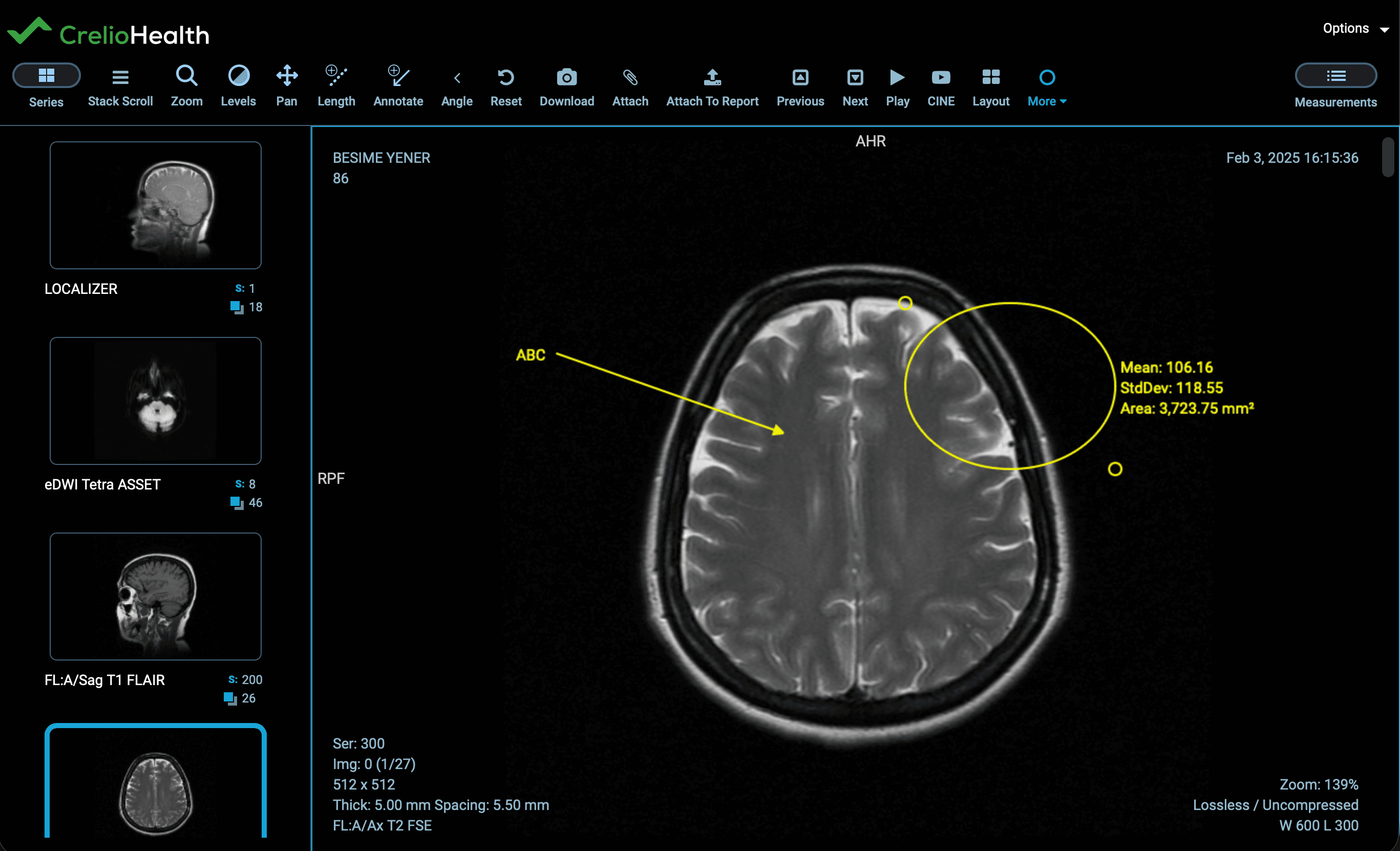
This is a versatile, lightweight, web-based medical imaging viewer that runs entirely in your browser.
Key Features:
- Cross-platform compatibility: Works on Windows, macOS, and Linux through web browsers
- GPU-accelerated rendering: Optimized for speed and performance
- Annotation tools: Measurement, segmentation, and custom annotations
- Integration capabilities: Easy integration with existing PACS systems
- Open-source: Free to use and customize
Technical Specifications:
- Browser Requirements: Chrome 90+, Firefox 88+, Edge 90+, Safari 14+
- WebGL Support: Required for 3D viewing capabilities
- JavaScript: Enabled for full functionality
- Performance: Optimized for handling large medical image files
Supported Modalities:
- Digital Radiography (DX)
- Ultrasound (US)
- Computed Tomography (CT)
- Magnetic Resonance Imaging (MRI)
OHIF 3D Web-Viewer
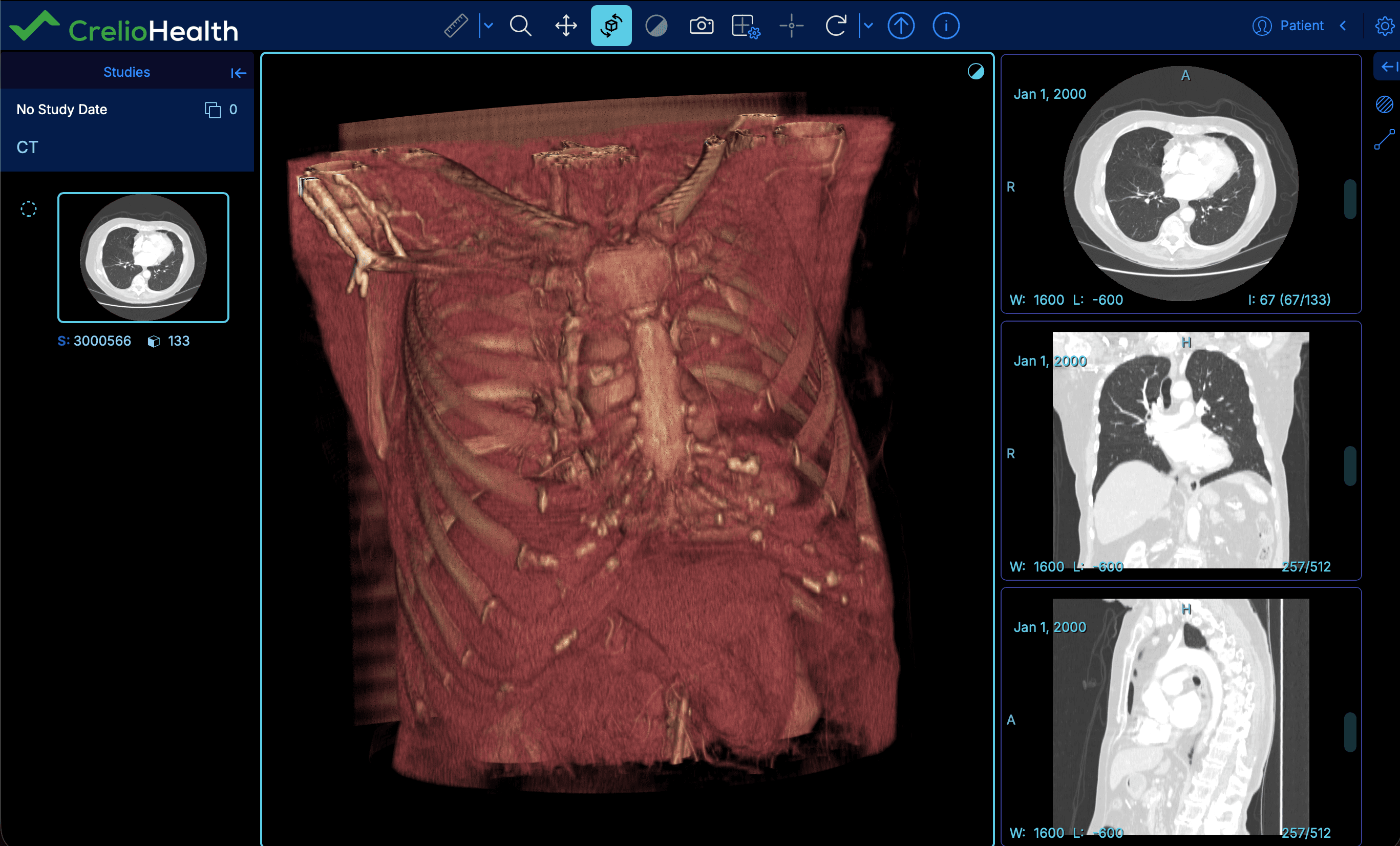
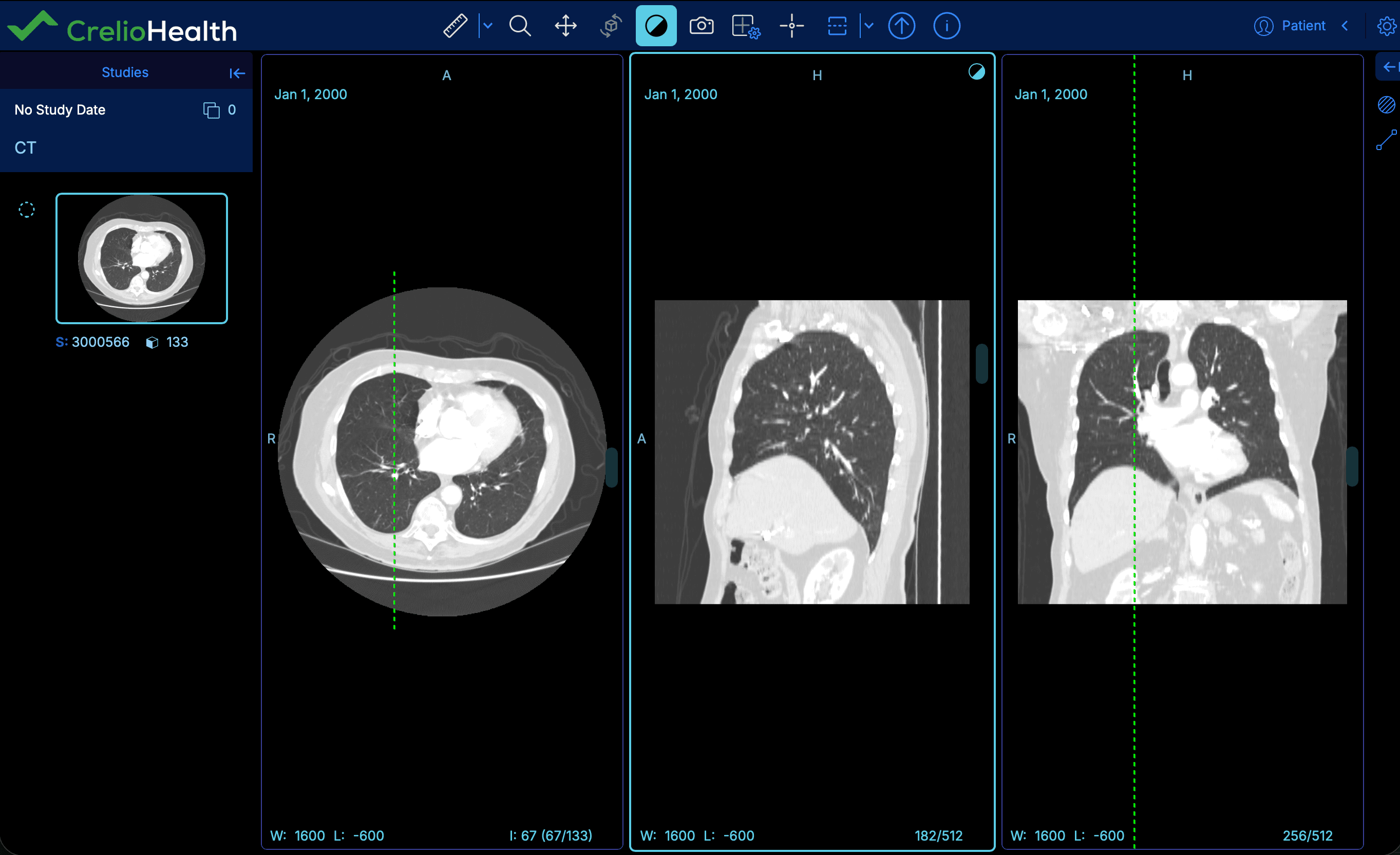
OHIF 3D is the advanced version of OHIF with enhanced 3D & MPR capabilities.
Key Features:
- Advanced 3D rendering: High-quality 3D visualization
- Volume rendering: Support for volumetric data visualization
- MPR support: Multi-Planar Reconstruction for detailed analysis
- Enhanced graphics: Requires sufficient graphics capabilities on viewing PC
- Advanced tools: Specialized tools for 3D analysis and measurement
System Requirements:
- Graphics: Dedicated GPU with OpenGL 2.1+ support
- RAM: Minimum 8GB, Recommended 16GB or more
- Browser: Modern browsers with WebGL 2.0 support
- Internet Speed: >200 Mbps for large 3D datasets
Weasis - Native Windows Viewer
Weasis is a free, cross-platform DICOM viewer designed with a highly modular architecture.
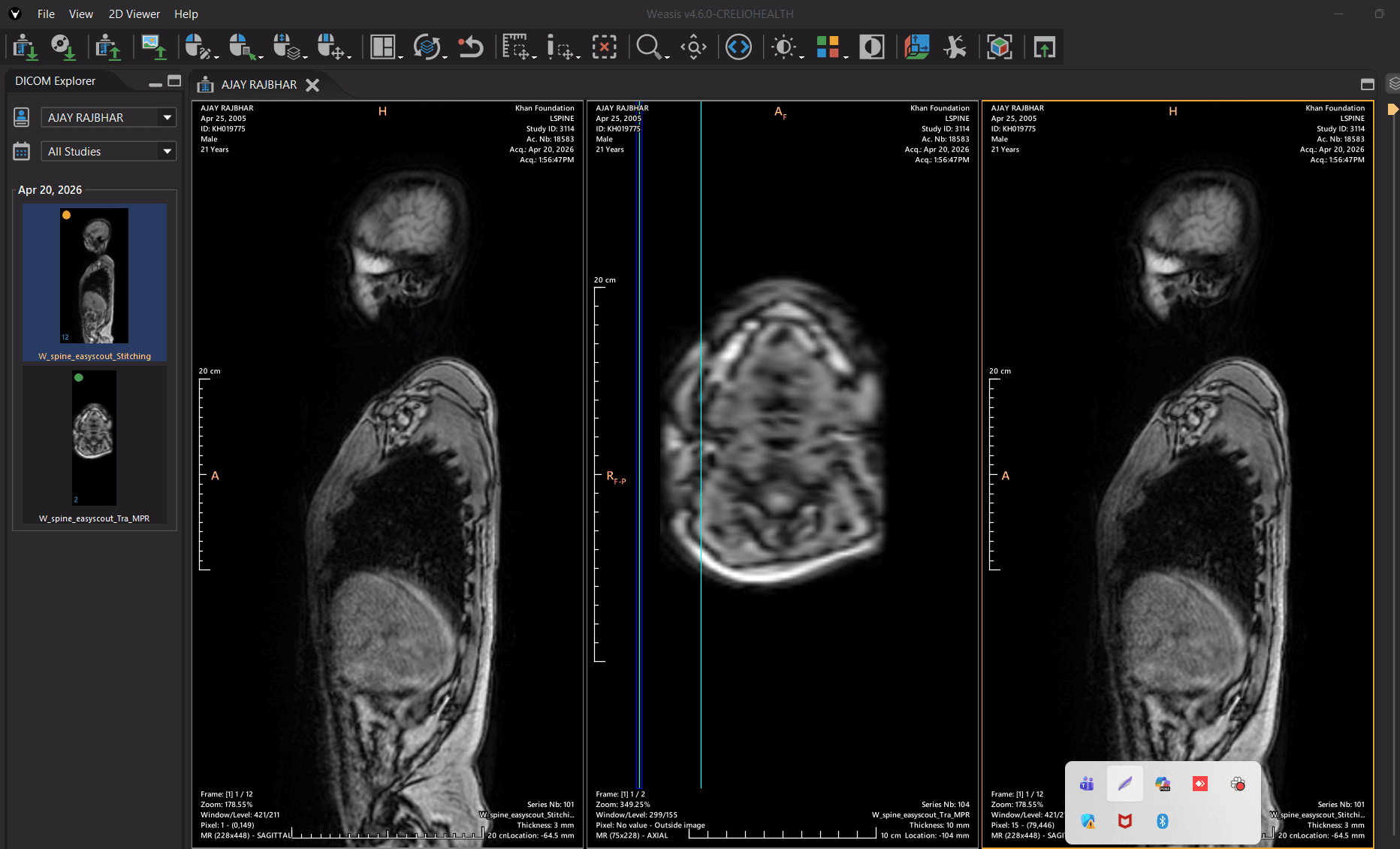
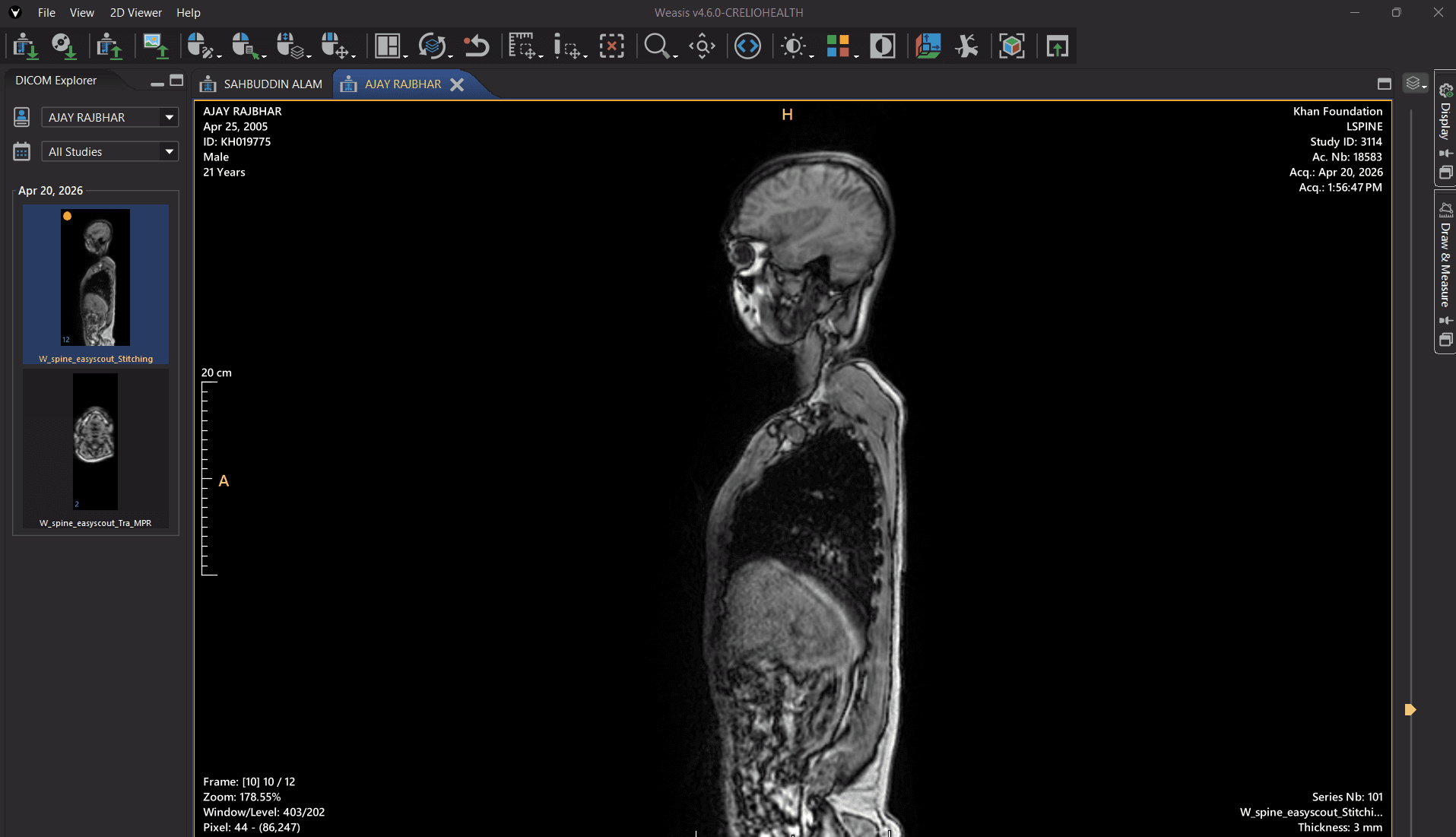
Key Features:
- Free and Open Source: FLOSS (Free/Libre and Open Source Software)
- Cross-platform: Compatible with Windows, Linux, and macOS
- Multi-language support: Available in multiple languages
- High-performance rendering: Leveraging OpenCV library for quality imaging
- Modular architecture: Highly customizable and extensible
Supported Data Types:
- Most DICOM files including multi-frame, enhanced, MPEG-2, MPEG-4
- Parametric Maps (float/double data)
- RT (Radiotherapy) objects
Advanced Viewing Features:
- 3D Visualization: Volume rendering, MPR, Maximum Intensity Projection
- Measurement Tools: Length, area, angle, region statistics
- Image Manipulation: Pan, zoom, windowing, rotation, crosshair
- Layouts: Multiple series comparison layouts
- Synchronization: Advanced series synchronization options
Export Capabilities:
- Export DICOM files locally (ZIP, ISO, TIFF, JPEG, PNG)
- Send DICOM files to remote PACS servers
- Save measurements in DICOM Presentation States
- Dicomizer module for converting standard images to DICOM
OsiriX - Native MacOS Viewer
OsiriX is the world's most widely used DICOM viewer, known for its ultrafast performance and intuitive interface.
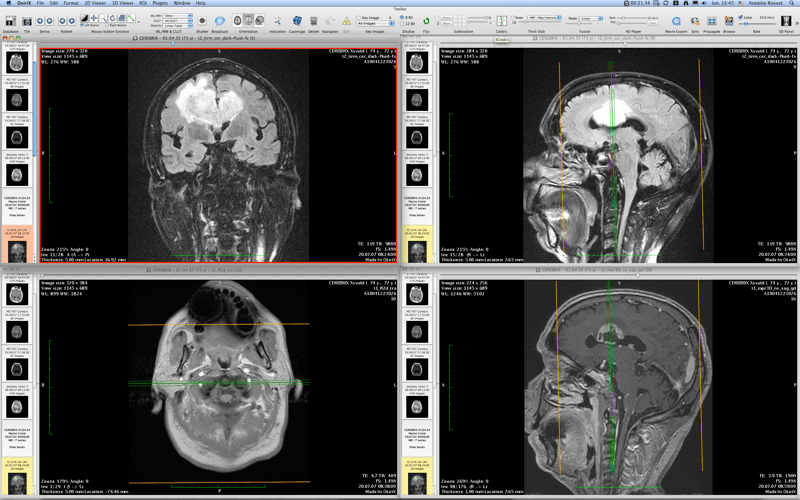
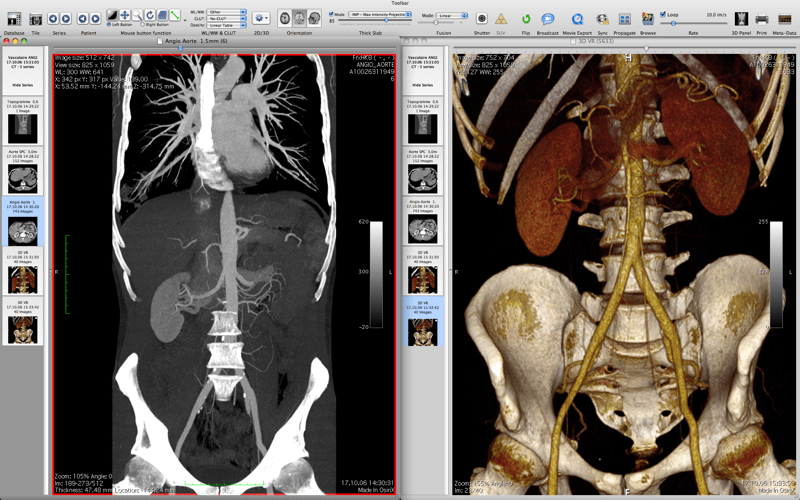
Key Features:
- FDA & CE Certified: Medical device certification for diagnostic use
- Ultrafast Performance: Optimized for speed and efficiency
- Intuitive Interface: User-friendly design for radiologists and clinicians
- Advanced Post-processing: 2D and 3D processing techniques
- Plugin Architecture: Extensible platform for custom tools
- Cross-platform: Native macOS application
Technical Specifications:
- Platform: macOS 10.15+ (Catalina or later)
- Processor: 64-bit computing support
- Multithreading: Optimized for modern processors
- Memory: 8GB minimum, 16GB recommended
- Storage: 100GB free space minimum
Advanced Features:
- 3D Navigation: Exclusive innovative techniques for 3D and 4D navigation
- Quantitative Measurements: ROI, segmented volumes, SUV measurements
- PACS Integration: Complete integration with any PACS system
- Teaching Files: Effortless creation of teaching files
- Research Tools: Advanced tools for research applications
OsiriX MD (Commercial Version):
- Price: From $69.99/month
- Features: Full diagnostic capabilities
- Support: Premium support and updates
- Certifications: FDA cleared, CE II labeled
OsiriX Lite (Free Demo):
- Purpose: Patient review and basic viewing
- Features: Core viewing capabilities
- Availability: Free download for macOS
Viewer Comparison
| Feature | OHIF Viewer | OHIF 3D | Weasis | OsiriX MD |
|---|---|---|---|---|
| Platform | Web-based | Web-based | Cross-platform | macOS |
| Cost | Free | Free | Free | $69.99/month |
| 3D Support | No | Advanced | Advanced | Advanced |
| MPR | Basic | Yes | Yes | Yes |
| Open Source | Yes | Yes | Yes | No |
| Graphics Requirements | Basic | High | Moderate | High |
System Requirements Comparison
Web Viewers
OHIF 2D
- CPU: Quad-core processor or higher
- RAM: Minimum 4GB, Recommended 8GB
- Browser: Modern browser with WebGL support
- Internet: 50-200 Mbps depending on image size
OHIF 3D
- CPU: Quad-core processor or higher
- RAM: Minimum 8GB, Recommended 16GB
- Browser: Modern browser with WebGL support
- GPU: Dedicated GPU is recommended
- Internet: 200+ Mbps depending on image size
Desktop Viewers
Weasis
- OS: Windows 10/11, Linux, macOS
- Java Runtime: JRE 8 or higher
- Graphics: OpenGL 2.1+ compatible
- Storage: 100GB free space minimum
OsiriX MD
- OS: macOS 10.15+
- Processor: 64-bit Intel or Apple Silicon
- RAM: 8GB minimum, 16GB recommended
- Graphics: Dedicated GPU recommended
The choice of viewer depends on your specific needs, platform requirements, and budget considerations. All viewers provide excellent image quality and functionality for medical imaging applications.
PACS Workflow
Comprehensive guide to PACS system workflow including setup types, image annotation, report integration, and viewer options for medical imaging management
Overview
High-level picture of how PDF lab reports are handled when labs choose to upload a finished document rather than manually inputting values into the system