Prerequisites
Set up your GitHub account and SSH keys before the migration.
Prerequisites
Before the migration cutoff, make sure you have the following set up.
1. Create / Verify Your GitHub Account
If you don't already have a GitHub account, create one at github.com/signup. Make sure you use your work email or link it to your account.
2. Set Up SSH Keys
SSH keys allow you to authenticate with GitHub without entering your password every time.
Generate a New SSH Key
Open your terminal and run:
ssh-keygen -t ed25519 -C "your_email@example.com"When prompted, press Enter to accept the default file location. Optionally set a passphrase.
Start the SSH Agent
eval "$(ssh-agent -s)"Add Your Key to the Agent
ssh-add ~/.ssh/id_ed25519Copy the Public Key
pbcopy < ~/.ssh/id_ed25519.pubOn Linux, use
xclip -selection clipboard < ~/.ssh/id_ed25519.pubinstead.
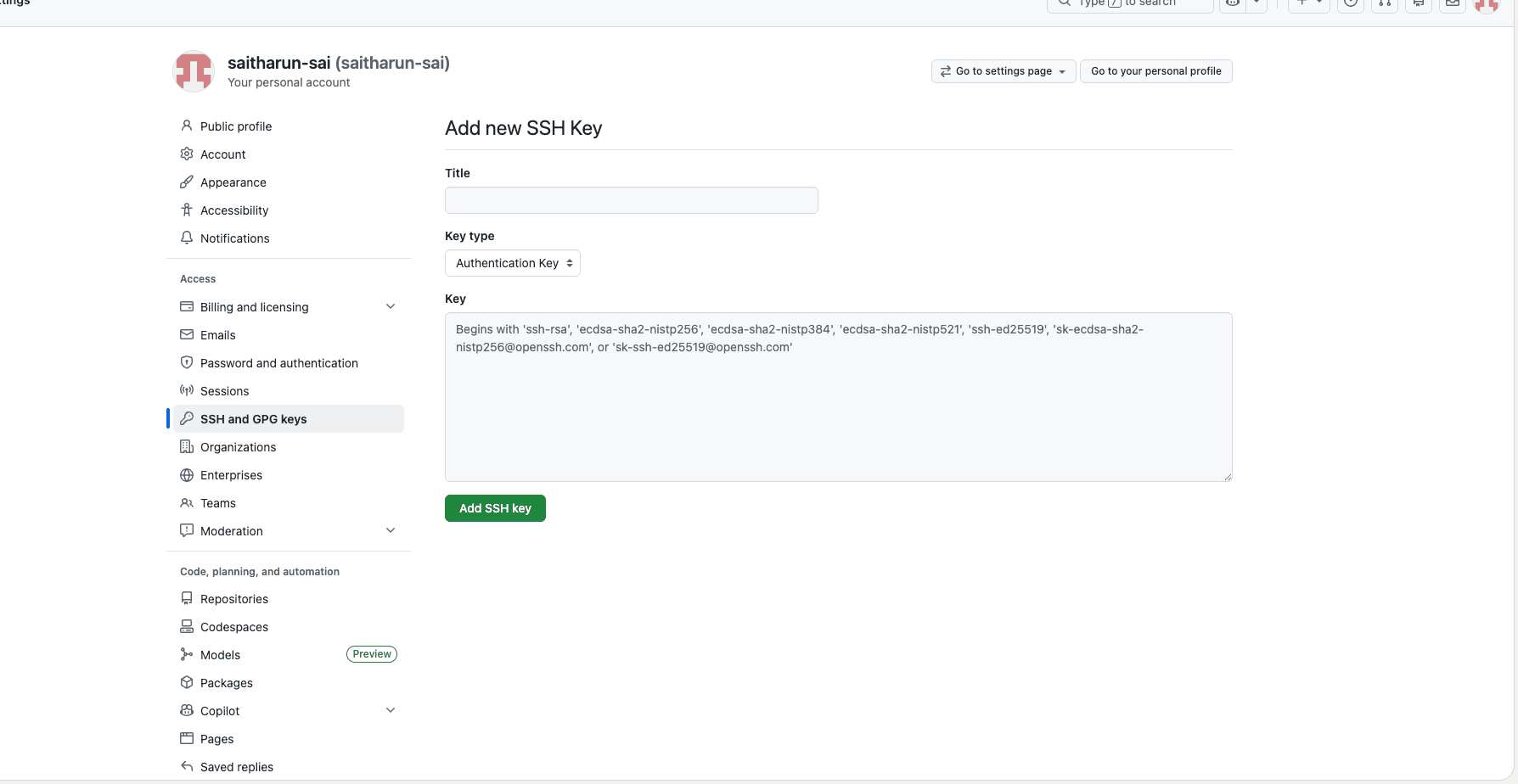
Add the Key to GitHub
- Go to GitHub SSH Key Settings
- Click New SSH key
- Give it a title (e.g., "Work Laptop")
- Paste your public key
- Click Add SSH key
Verify the Connection
ssh -T git@github.comYou should see:
Hi <username>! You've successfully authenticated, but GitHub does not provide shell access.