Local Environment Setup
Git & SSH Setup
Configure Git and SSH keys for CrelioHealth development
👤 Sai Tharun
Git Configuration & SSH Setup
4. Install Git Driver Files and Create SSH Key
Step 1: Generate and Copy SSH Key
cat /Users/creliohealth/.ssh/id_ed25519.pub | pbcopyThis command copies your SSH public key to your clipboard.
[!NOTE] If you don't have an SSH key yet, generate one first using:
ssh-keygen -t ed25519 -C "your_email@creliohealth.com"
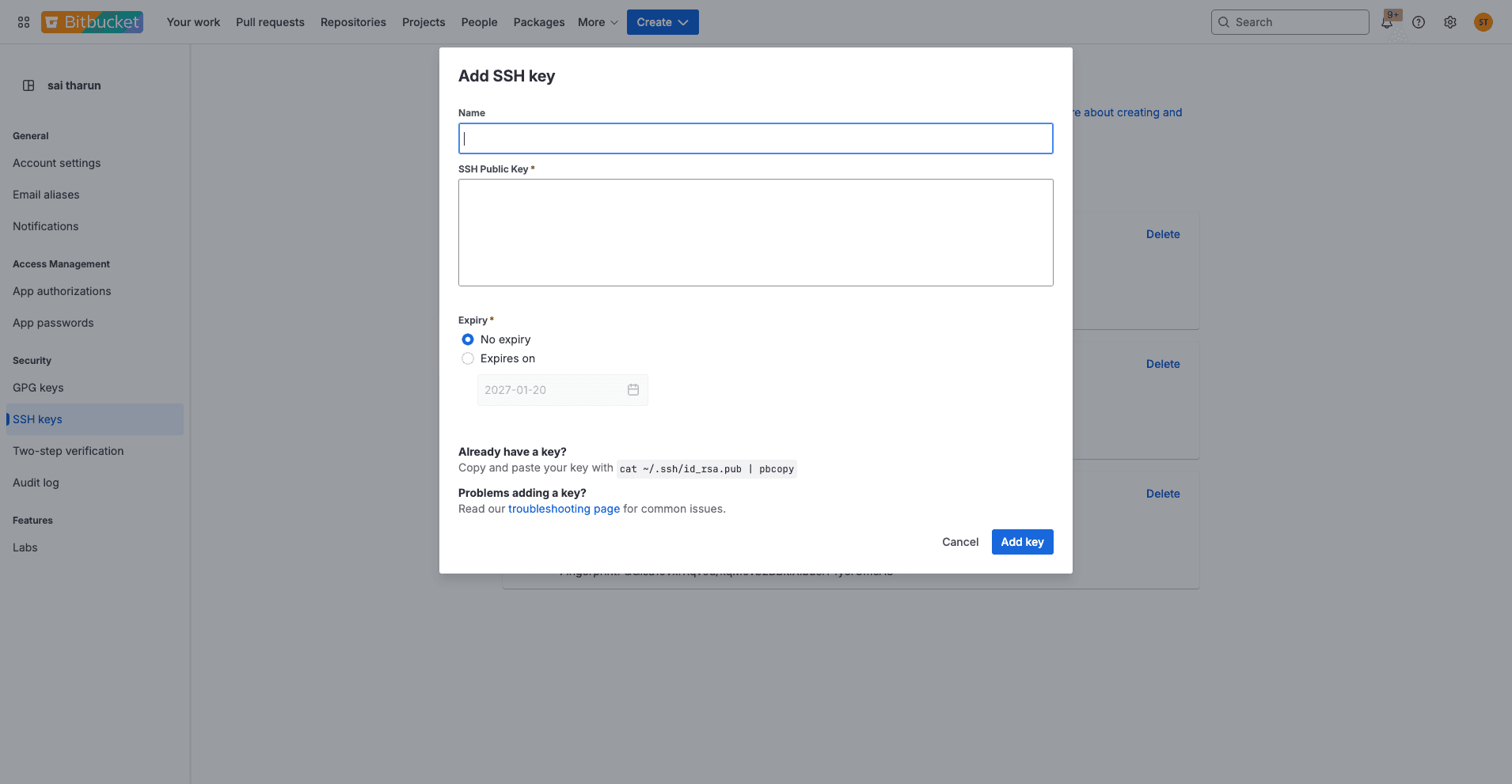
Step 2: Add SSH Key to Bitbucket
- Go to Bitbucket SSH Keys settings
- Click "Add key"
- Paste the copied key and save